How to Set Up in ixBrowser Step-by-Step
Most people think managing multiple accounts is a nightmare.
They create a few accounts. They get banned. They blame the platform.
But the platform isn't the problem. Their setup is.
With the right tools, you can run unlimited accounts without a single ban. No stress. No guesswork. No wasted time.
Here's exactly how to do it using ixBrowser and ISP proxies.
What is Roundproxies?
As a premium proxy service provider, Roundproxies offers an extensive network with over 180M+ residential and 3M datacenter IP proxies covering 190+ countries. The platform supports residential, datacenter, ISP, and mobile proxies, designed for web scraping, ad verification, data collection, and social media management. RoundProxies delivers strong reliability with a documented 97.2% success rate in large-scale testing and 99.9% uptime. Compared to other proxy providers, Roundproxies offers competitive pricing and a generous trial. The service provides a free trial with 500MB of bandwidth valid for 24 hours for residential proxies, while datacenter trials include 5 proxies with 1GB of bandwidth for 3 days. Paid plans start at $2.10/GB for residential proxies and $0.30/IP for datacenter proxies with unlimited bandwidth. In addition, Roundproxies supports unlimited concurrent connections, sticky session capabilities, advanced IP rotation, precise geo-targeting down to city level, and HTTP/HTTPS and SOCKS5 protocol support. The platform also offers free tools including a proxy checker and ready-to-use code snippets for easy integration.
How to Set Up Roundproxies in ixBrowser
Now let's connect your Roundproxies ISP proxies to ixBrowser.
You can get whatever proxies you would need from Roundproxies.
Just head over to https://app.roundproxies.com/signup and create an account and purchase yourself a package of proxies. Thats it.
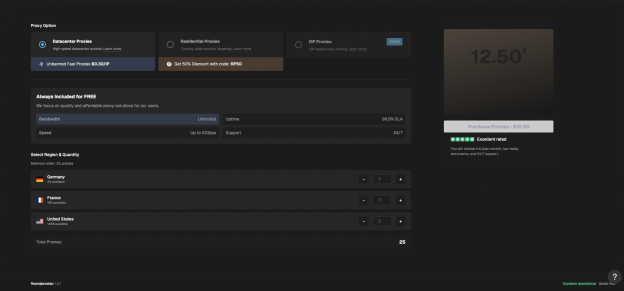
Two options: single proxy setup or batch proxy setup.
Option A: Set Up a Single Proxy
Step 1: Download and Install ixBrowser
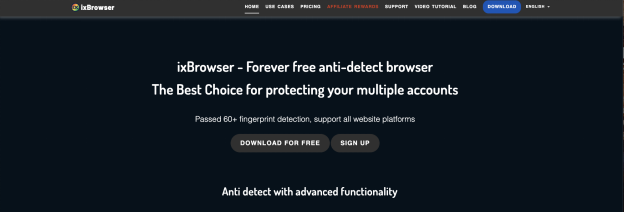
Go to the ixBrowser website and click Download.
Run the installer. Choose your installation path. Click Install.
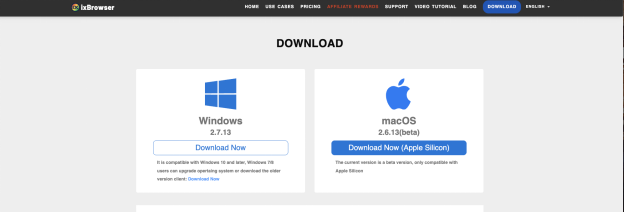
Done.
Step 2: Create Your Account
After installation, you'll land on the account creation page.
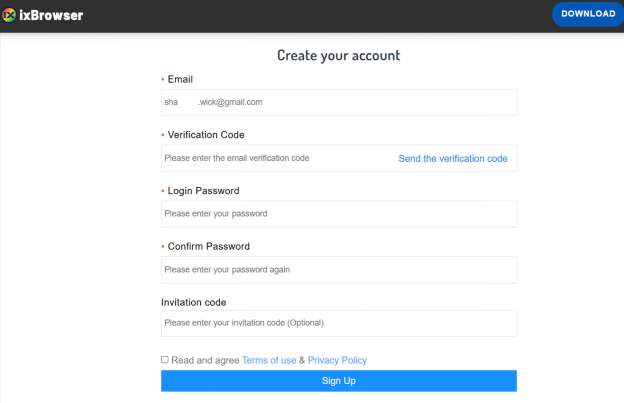
Enter your email, username, and password. Click Sign Up.
Step 3: Access Proxy Settings
Once you're logged in, look at the right navigation menu.
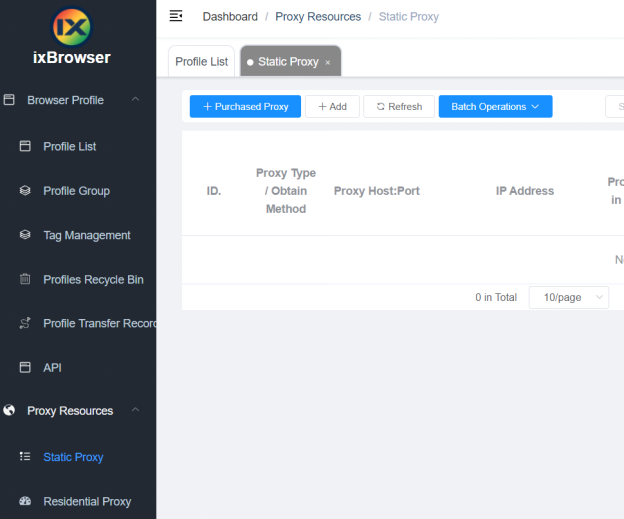
Click Proxy Resources → Static Proxy.
This opens the proxy setup screen.
Step 4: Enter Your Roundproxies Details
Fill in the fields:
-
Proxy Type: Select HTTP, HTTPS, or SOCKS5 (depending on your Roundproxies plan)
-
Proxy Host: Your Roundproxies IP address
-
Proxy Port: The port number provided
-
Proxy Account: Your Roundproxies username
-
Password: Your Roundproxies password
Click Confirm to save.
That's it. Your proxy is now connected.
Option B: Set Up Batch Proxies
Got multiple proxies? Add them all at once.
Step 1: Access Batch Proxy Settings
From the ixBrowser home page, go to:
Proxy Resources → Static Proxy → Batch Operations → Add in Batches
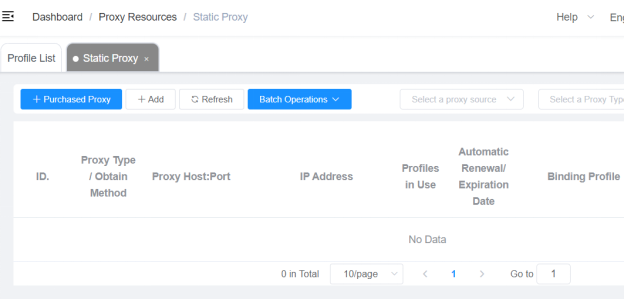
Step 2: Enter Your Proxies
Use this format:
proxyip:port:username:password
One proxy per line. You can add up to 200 proxies at once.
Supported types: HTTP, HTTPS, SSH, SOCKS5.
If you don't specify a type, it defaults to HTTP.
Step 3: Confirm
Click Confirm.
ixBrowser automatically adds all proxies and displays them in a list.
Done. You've just set up batch proxies in seconds.
Why This Setup Works
Here's what happens when you combine ixBrowser + Roundproxies ISP proxies:
Unique fingerprints → Platforms can't link accounts by device
Clean ISP proxies → Platforms can't link accounts by IP
Separate profiles → Each account lives in its own bubble
You could run 50 accounts from the same laptop. To platforms, they look like 50 different people in 50 different locations.
Invisible. Undetectable. Unstoppable.
The Bottom Line
Stop getting banned. Start setting up properly.
-
Download ixBrowser (free to start)
-
Grab ISP proxies from Roundproxies
-
Follow the steps above
-
Run unlimited accounts without fear
The setup takes 5 minutes. The results last forever.